Capture smarter. Work faster.
A modern screenshot tool built for people who need something better than Snipping Tool, without the bulk of full-blown capture suites. Fast, clean, and reliable.
Fully functional 15-day trial. One-time purchase. No subscription.
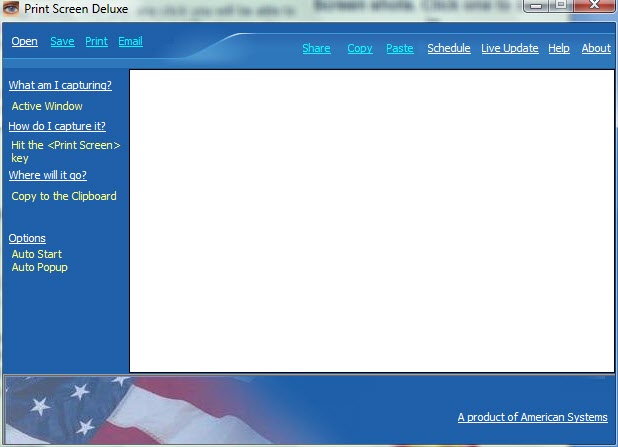
Version 8.0 highlights
- Enhanced smart region detection that snaps to UI elements faster
- Advanced OCR text extraction for screenshots, dialogs, and documents
- Professional redaction tools for sensitive content before sharing
- Searchable history panel to find past captures quickly
- Flexible save workflows for local folders, OneDrive, and network locations
- Multi-monitor capture, annotation, video recording, and auto-scroll tools
- Faster day-to-day capture workflows with less manual cropping
- Cleaner sharing with built-in redaction and markup tools
- Better retrieval with searchable capture history
- Stronger Windows 10 and 11 experience with a refreshed interface
- Easier handoff to OneDrive and network shares you already use
Version 8.0 is built around faster capture and cleaner sharing
Building on 30+ years of experience, Print Screen Deluxe 8.0 brings powerful modern features while keeping the simplicity you love.
Plus the essentials users rely on every day: multi-monitor support, support for many file formats, video capture, auto-scroll, annotations, and more.
Core screenshot capabilities
Print Screen Deluxe 8.0 includes these proven features and modern enhancements.
A focused alternative to heavy screenshot suites
Print Screen Deluxe is faster than built‑in tools and lighter than large capture suites. It’s the right‑sized tool for everyday work.
- Starts instantly and stays responsive
- Clean interface with no ads or nag screens
- Local‑first design — your screenshots stay on your machine
- One‑time purchase instead of recurring subscriptions
Try Print Screen Deluxe free
Download the trial, explore the tools, and upgrade when you’re ready.